
Comunico’s PowerWriter Platform
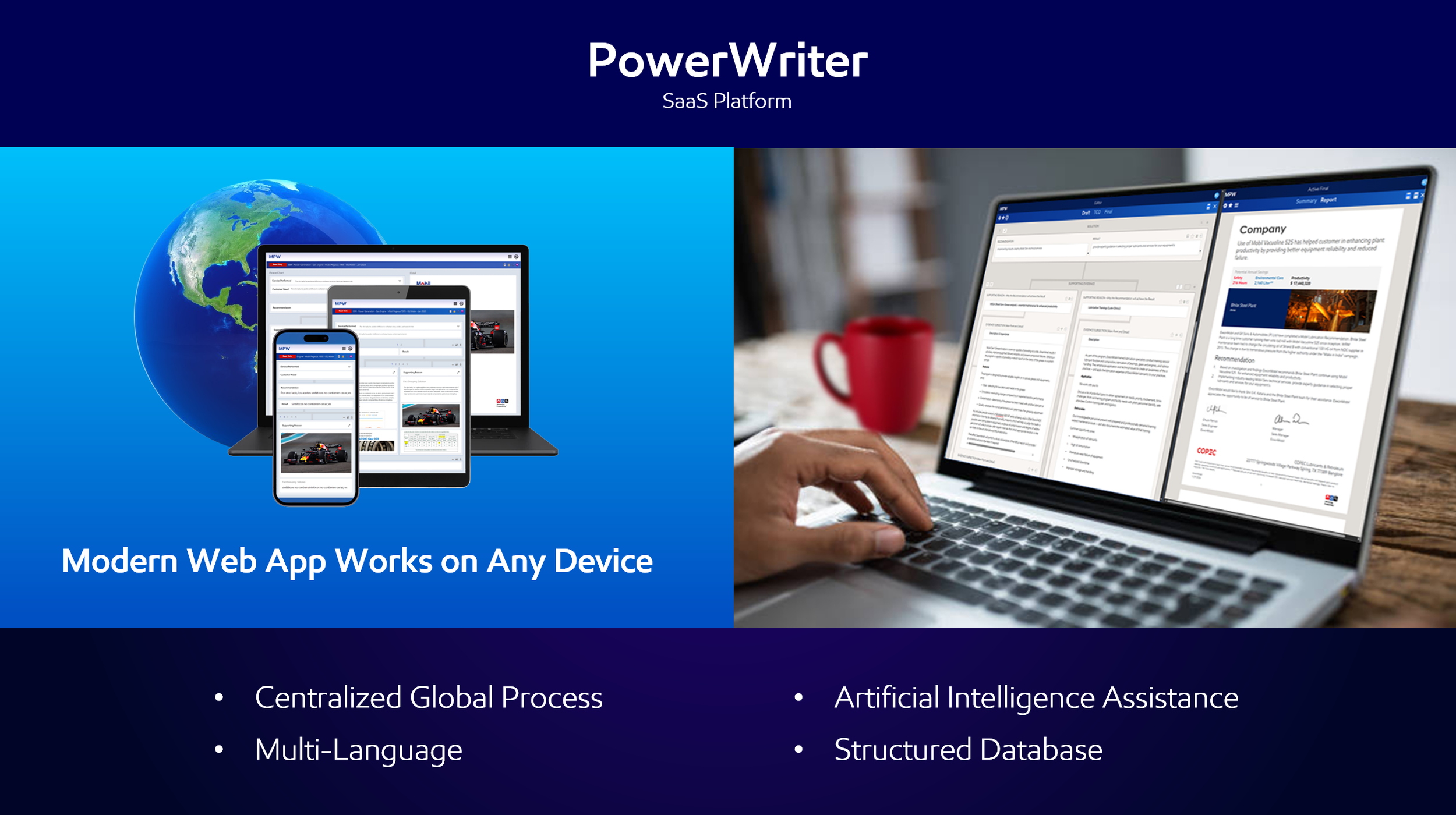
PowerWriter can be quickly implemented across regions and languages:

Configure
PowerWriter features are configurable to meet your specific sales process. The first step is to define your organization’s templates, workflows and users hierarchy. PowerWriter’s universal structure ensures all templates are persuasive and consistent. The structured authoring process organizes and labels data automatically as its developed to optimize storage and reuse. Your structured knowledgebase improves the accuracy and precision of the PowerWriter AI assistant and external API data sharing.

Train
The second step is to demonstrate and train users on the ProwerWriter persuasive communication method, individual features and organization processes. Built-in guidance helps users get started and improve proficiency as they work. Onboarding and user group sessions can be provided in person or virtual.

Support
The third step is to support your organization’s successful usage and expansion. PowerWriter allows for adjustment of the sales process and templates as required. This allows for quick and easy application of branding and compliance changes. An efficient feedback tool encourages users to provide improvement feedback and to report issues.
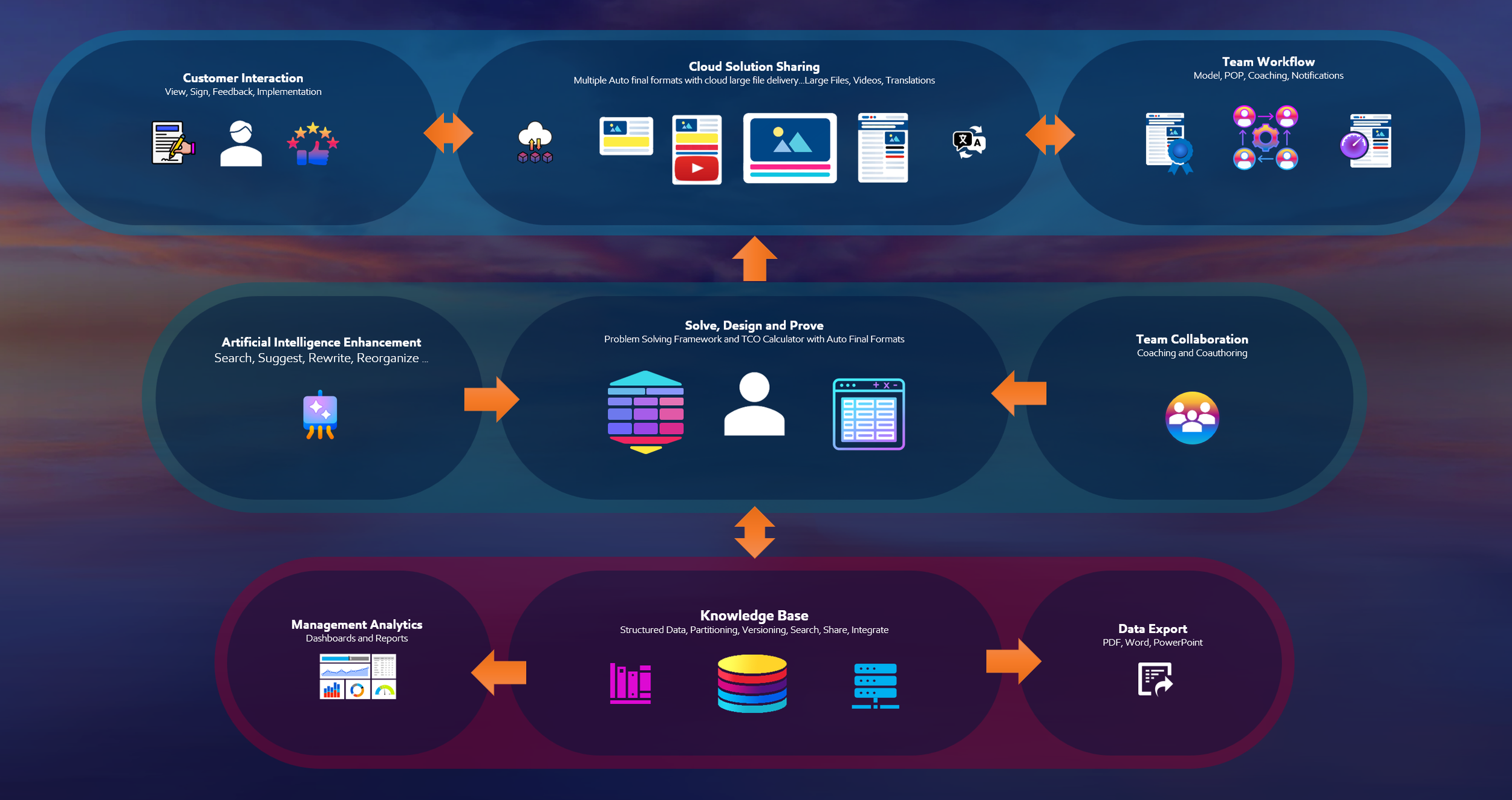
Notable Features
Repeatable Process for Persuasive Documented Customer Solutions
Multiple Auto-Populated Final Formats (Summary, Report, Proposal, and Presentation)
Final Format Export Options (PDF, PPTX and Word)
Auto Content Formatting and Branding
Optimized Image Handling and Storage
Deliver and Share Large Files and Videos
AI Copilot Assistance
Multi-language and currency (Proven in 24 Languages)
Auto Translation
Electronic Customer Signature
Model Recognition
Proof of Performance
Commitment Letters and Business Reviews
Coaching and Editor Collaboration
Total Cost of Ownership Calculator
Structured Knowledge Base
Final Format Rebranding (Applies changes to all knowledge base content)
Dashboard Analytics
Document Version History
Embedded Guidance
Role based access and workflows